Ad Strategy12 min read
TikTok Spark Ads: What They Are and How to Run Them (2026)
What TikTok Spark Ads are, how to get a code from a creator, how to run them in Ads Manager, and how they compare with Meta partnership ads.
Short answer:
- Spark Ads are TikTok ads made from organic posts, either your own or a creator's with their permission. The views, likes, comments, shares and follows the ad earns stay on the original post.
- To use a creator's video, the creator opens the video, taps the three dots, then Ad settings, then Generate, and sends you the code. You add it in TikTok Ads Manager, up to 20 codes at a time.
- TikTok's own comparison shows a 142% higher engagement rate and a 43% higher conversion rate than non-Spark ads, but that data is from late 2020 to mid-2021.
- Meta's version is called partnership ads. The idea is the same, but permissions, editing and deletion work differently, so ask creators for both in one deal.
Spark Ads are the simplest way to run UGC on TikTok as it was posted: the creator's name, the comments and the follow button all stay on the ad. Most guides that rank for this topic were written between 2021 and 2023. This one follows TikTok's help center as updated in June 2026, and it covers what those guides skip: what creators charge for a code, what happens when a post or code is removed, the rule for AI-generated videos, and how Spark Ads compare with Meta's partnership ads.
What are TikTok Spark Ads?
TikTok describes Spark Ads as "a native ad format" built from "organic TikTok posts and their features." All the "views, comments, shares, likes, and follows gained from boosting the video during the promotion are attributed to your organic posts" (About Spark Ads).
There are two ways to use them. You can boost posts from your own TikTok account, or boost posts made by other creators "with their authorization." The second is how most brands run creator UGC: the creator posts the video on their account, and you pay to show it to more people.
A few rules from TikTok's specs are worth knowing before you start:
| Rule | What TikTok says |
|---|---|
| Video length | Up to 10 minutes |
| Format | No limits on ratio, resolution or file size for organic videos |
| Caption and name | Taken from the organic post; you can't edit them in Ads Manager |
| Private videos | A private video becomes public once it's used in a campaign |
| Deleting a post | The video must be un-authorized as a Spark Ad first |
| Account limit | Up to 10,000 Spark Ads per Ads Manager account |
Spark Ads work with most campaign goals, including reach, traffic, video views, community interaction, app promotion, lead generation and sales.
Spark Ads vs regular TikTok ads
A regular (non-Spark) ad is uploaded straight into Ads Manager rather than posted from an account, and every tap on the name, picture or caption sends people to your landing page. A Spark Ad behaves like a normal post: tapping the name or picture opens the account's profile, people can follow, and the sound links to its music page. The call-to-action button and caption still go to your landing page.
That difference cuts both ways. Spark Ads keep the social proof (the likes and comments pile up on a real post), and viewers can check out the creator's profile, which builds trust. But some taps go to the creator's profile instead of your store, and you can't change the caption after the post is authorized.
TikTok's Creative Center publishes the comparison most articles quote without a source. Against non-Spark in-feed ads, Spark Ads showed a 30% higher completion rate, a 142% higher engagement rate, a 43% higher conversion rate and a 4% lower CPM. The fine print matters: TikTok lists the source as "Spark Ads performance comparison with Diversion In-Feed Ads, Q4 2020-Q2 2021, TikTok Internal Data" (Spark Ads Creative Playbook). That's five-year-old internal data, so test it in your own account rather than counting on it.
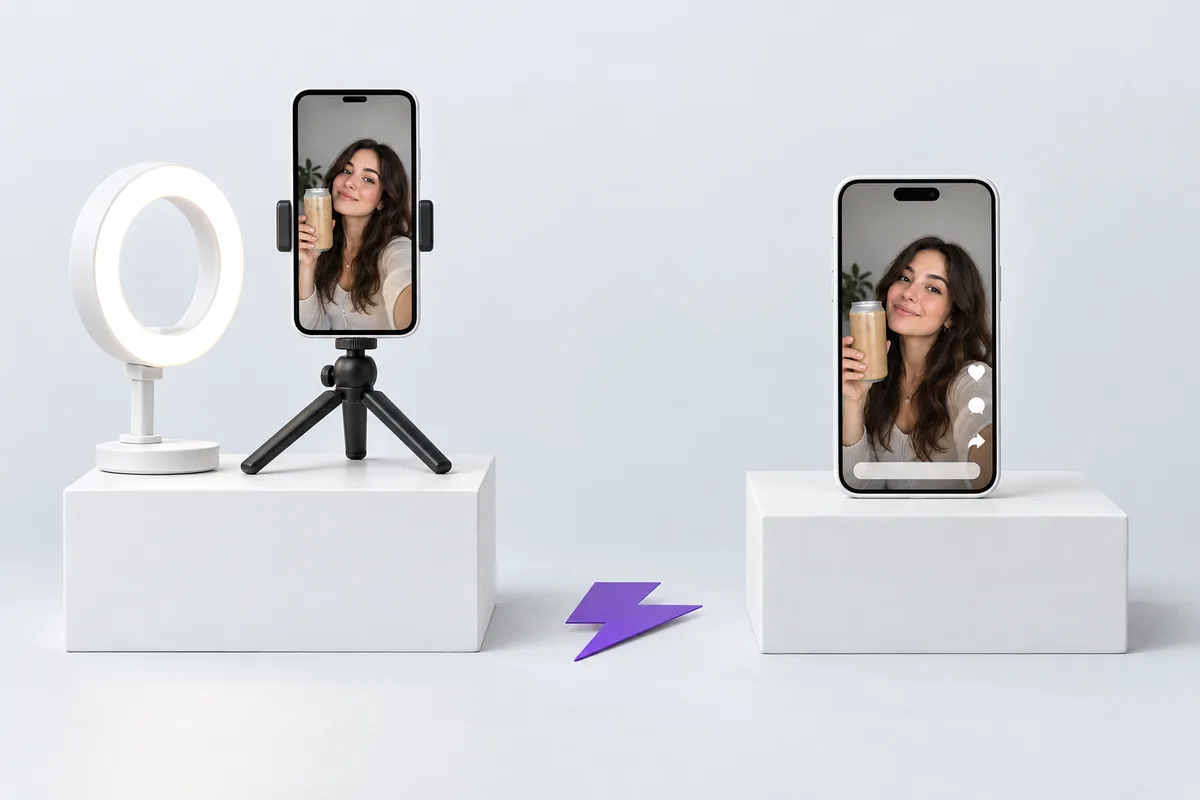
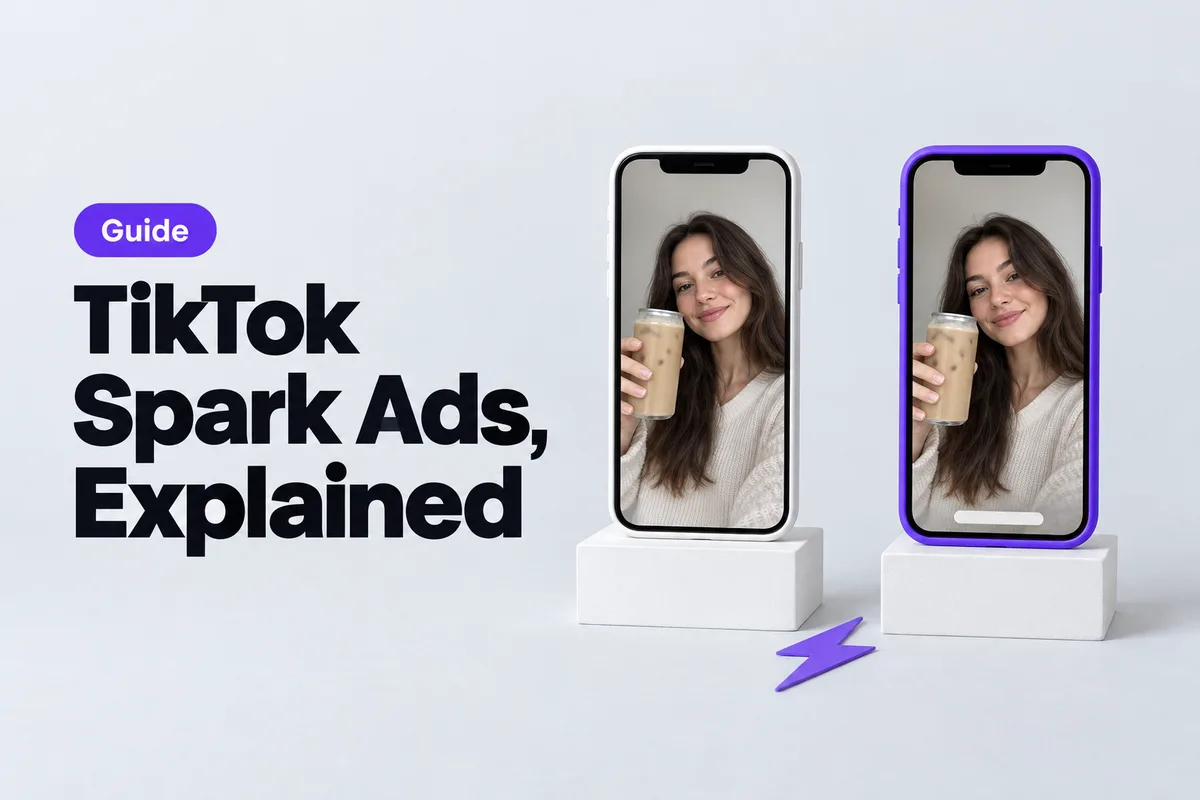
The same post, before and after it becomes a Spark Ad. Illustration generated with AI.
How to get a Spark Ads code from a creator
TikTok's help center describes the creator's side in one line: go to the video, tap the three dots, tap Ad settings, and tap Generate to get the post code (How to create Spark Ads). The creator then sends you the code.
The code comes with an authorization period. TikTok's page says you can "customize the duration of your authorization code to meet campaign needs and minimize costs," and Ads Manager shows the period under each post you add. Agree on the length before the creator generates the code, because it sets how long you can run the ad.
If you work with creators through TikTok One, you can skip the codes. Its branded content projects let you request authorization to "sync to your TikTok Ads Manager account," and retroactive invite links let you pull in a post a creator already published (TikTok One).
How to run Spark Ads in TikTok Ads Manager
Here are the steps from TikTok's help center for manual and search campaigns:
- In TikTok Ads Manager, open the Campaign tab and click +Create.
- Choose an advertising objective and complete the campaign and ad group settings.
- In the Ad creatives section, click + Add videos or images and open the TikTok posts tab.
- Select a post from a linked account, or click Add post to enter creator codes. You can add up to 20 codes at a time, and the authorization period shows under each post.
- Fill in the ad details, destination and tracking, then click Publish all.
To spark your own posts, link your TikTok account to Ads Manager through TikTok Business Center and pick the post from your account. TikTok also lets you push a new video from Ads Manager to a linked account and spark it there.
Two details catch people out. You can't edit a post's caption after it's authorized, so get the creator to fix typos first. And a video code can only be deleted once every ad using it is deleted in Ads Manager.
Spark Ads vs Meta partnership ads
Most brands that buy UGC want to run it on TikTok and on Instagram or Facebook. Meta's version of Spark Ads is called partnership ads (it used to be called branded content ads). Both let you run a creator's post as an ad, but the details differ in ways that matter when you write the creator contract.
| TikTok Spark Ads | Meta partnership ads | |
|---|---|---|
| What runs | An organic TikTok post, yours or a creator's | A post, story or reel with the creator's and/or your handle in the ad header |
| How the creator gives access | A code from the post (three dots, Ad settings, Generate), a TikTok One sync request, or a linked account | The "Allow brand partner to boost" toggle with a paid partnership label, a partnership ad code, or account-level permission |
| How long access lasts | The authorization period set on the code | Until the creator revokes it; the boost toggle turns on for 28 days after their last branded post |
| Editing | The caption can't be edited after authorization | You can edit the content for the ad and the original post stays the same |
| If the creator removes the post | It must be un-authorized as a Spark Ad before it can be deleted | Deleting it stops the ad; archiving it keeps the ad running |
| Where it runs | TikTok | Facebook, Instagram and, since September 2026, WhatsApp Status |
| Official performance claim | 142% higher engagement rate and 43% higher conversion rate than non-Spark ads (TikTok data, Q4 2020 to Q2 2021) | 19% lower CPA and 13% higher click-through rate on average when added to business-as-usual campaigns (Meta, December 2025) |
Sources: TikTok's About Spark Ads and creation guide; Meta's About partnership ads, partnership ad permissions, specifications for creators and December 2025 announcement.
Two practical points follow. First, put both permissions in one creator agreement, with the same length and price logic, so you aren't negotiating twice for the same video. Second, plan edits differently: on TikTok, the caption you approve is the caption that runs, while on Meta you can adjust the ad without touching the creator's post. Meta also says creators "can revoke these permissions at any time," so for both platforms, write into the contract what happens if access ends early.
Meta's own pages back the case for these ads. It calls partnership ads "the most effective way for advertisers to tap into creator partnerships at scale," and its Partnership Ads Hub now surfaces creator UGC that tags your brand, so you can find posts to turn into ads. If you run Meta ads, our Meta Andromeda guide explains why varied creator content matters there too.
What creators charge for Spark Ads codes
TikTok doesn't list a separate fee for the Spark format. You pay for the campaign like any other ad. What you pay the creator for the code is between you and them, and it works like a usage-rights fee: you're paying for the right to run their post as an ad for a set time.
There's no standard rate, but published agency pricing gives a sense of scale. One UGC agency we checked prices paid-ad rights at 40% on top of the video fee for 90 days, with renewals at 25% per extra 90 days. Our UGC agency price check compares that with platforms that include unlimited rights in the price.
Brands also ask for short test periods. In an r/UGCcreators thread, a new creator described a big brand asking to test their code for 10 days before paying:
"they would like to test it out for 10 days first. If that's alright with me"
A post on r/UGCcreators
The one reply put the choice plainly: "If you want to build a relationship with them, give it for free. If you want them to pay- give them a price!" For brands, a short paid test followed by a longer code for the winners is a fair middle ground, and it matches TikTok's advice to set the authorization period by what the campaign needs.
Can you use AI-generated UGC in Spark Ads?
Yes, through your own account: post the video on your brand's TikTok and spark it like any other post. One rule applies to every AI-made ad on TikTok, Spark or not. TikTok's ad disclaimer page lists "AI-generated, synthetic, or manipulated media" under mandatory disclaimers, which covers "images, video, or audio that are completely AI-generated or real source material that has been significantly modified by AI" (ad disclaimers). Turn on the AI-generated content disclaimer in Ads Manager when you set up the ad. If you don't see the option, TikTok says to contact your sales representative.
A sensible workflow is to test angles with AI first and pay creators for the winners. With UGC Builder's UGC Video tool, one product photo becomes a 5-second selfie-style video for 20 credits, and plans start at $9 a month for 100 credits (pricing). Post the best ones on your account, spark them with the AI disclaimer on, and once a hook works, brief real creators on it and run their posts as Spark Ads.
Paid creator posts also need to be disclosed as ads. Our UGC getting-started guide covers disclosure and usage rights.
FAQ
What are Spark Ads on TikTok?
Spark Ads are TikTok ads that use organic posts, either your own or a creator's with their permission. The engagement the ad earns, including views, likes, comments, shares and follows, stays on the original post.
How do I get a Spark Ads code?
The creator opens the video in the TikTok app, taps the three dots, taps Ad settings and taps Generate, then sends you the code. You add it in TikTok Ads Manager when you choose the ad creative.
Are Spark Ads better than regular TikTok ads?
Often, but not always. TikTok's internal data from 2020 to 2021 showed higher engagement and conversion rates than non-Spark ads, but regular ads give you full control of the caption and send every tap to your landing page. Test both with the same video.
How much do Spark Ads cost?
TikTok doesn't list a separate fee for the format; you pay for the campaign like any other ad. On top of that, creators usually charge for the code, much like a usage-rights fee for a set period.
What's the difference between Spark Ads and Meta partnership ads?
Both turn a creator's post into an ad. TikTok uses codes with an authorization period and locks the caption, while Meta uses toggles, codes or account permissions that last until revoked and lets you edit the ad without changing the original post.
- TikTok Ads
- Spark Ads
- Meta Ads
- UGC
- Video Ads