
Use UGC Builder from your AI assistant.
Once connected, you can ask ChatGPT, Claude, Codex or your editor to create Landing Page Pro sections and premium UGC videos from a product image. It uses the same credits as the website.
Server URL
Every client connects to the same URL over Streamable HTTP.
https://ugcbuilder.com/api/mcpSign-in uses OAuth, so you never paste an API key. The first time you connect, you'll be sent to a UGCBuilder page where you log in and approve access. You need a UGCBuilder account with credits to generate anything.
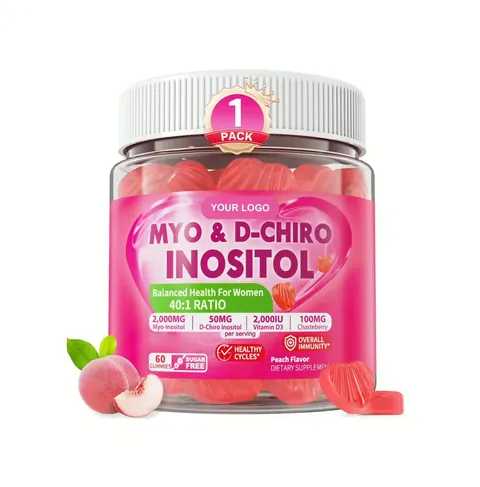
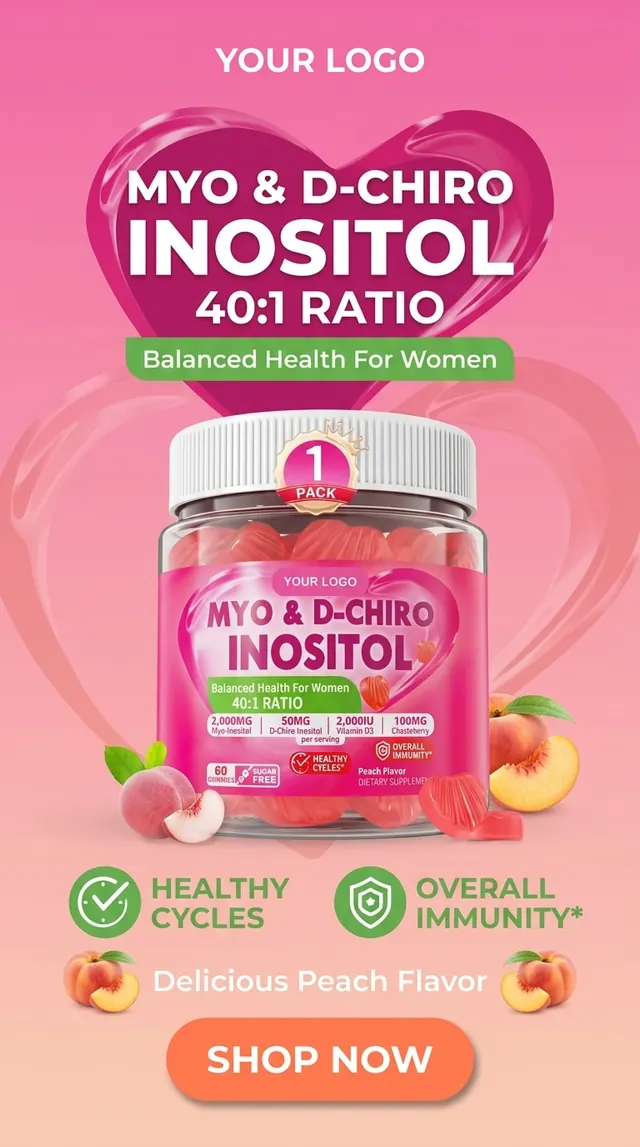
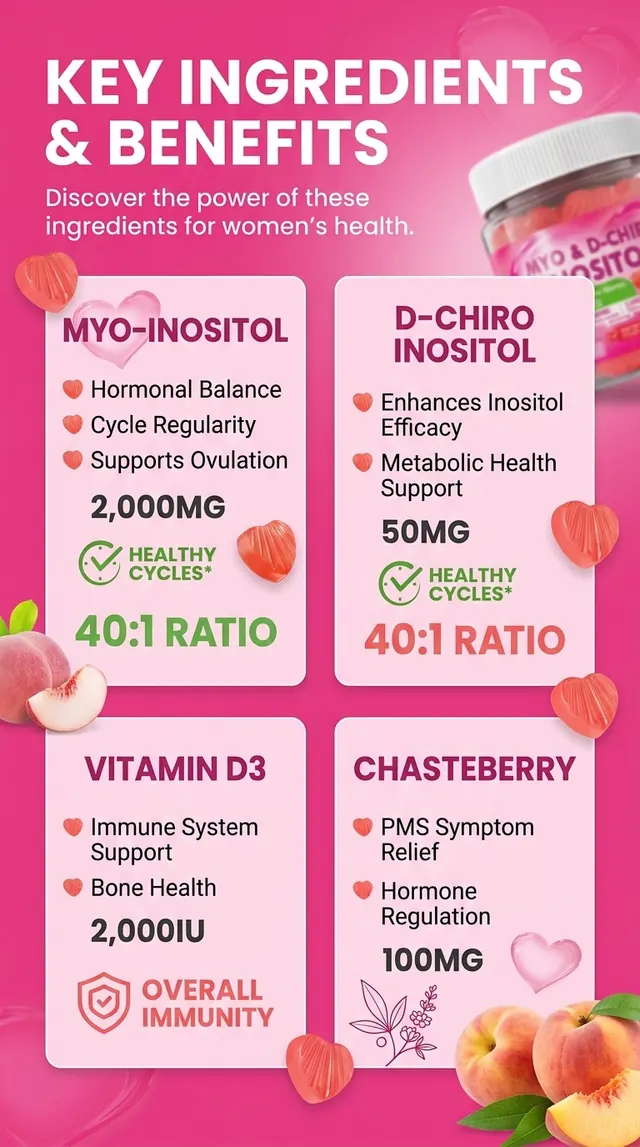
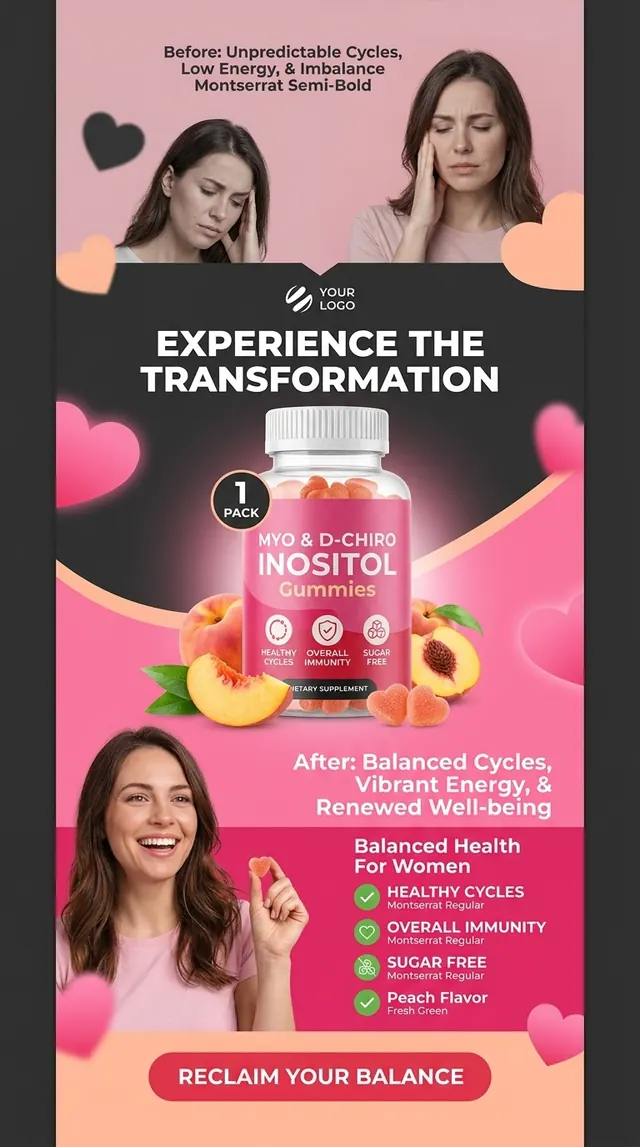
Set up your client.
Pick the app you use. Setup takes a couple of minutes.
Server URL
https://ugcbuilder.com/api/mcp- Open Settings → Apps & Connectors → Advanced settings and turn on Developer mode. Custom connectors need a plan that supports them (Plus, Pro, Business, Enterprise or Edu).
- Back in Apps & Connectors, click Create.
- Name it UGCBuilder, paste the server URL above and choose OAuth for authentication.
- Click Create, sign in to UGCBuilder, and approve access on the consent screen.
- In a new chat, open the + menu, pick UGCBuilder under Developer mode, and ask for what you want.
ChatGPT shows the interactive approval card. You can attach a product photo straight to the chat, and finished landing page images get saved into ChatGPT so they last after the download link expires.
Chat apps and coding tools behave differently.
ChatGPT and Claude
Both display an interactive card. It shows the exact credit total, lets you pick the format, and has the Approve and generate button. Nothing is charged until you click it. Progress and downloads update in the card on their own.
Claude Code, Codex, Cursor, VS Code and others
Clients without card support can only generate landing page sections, using the direct generate_landing_page tool. Give the assistant a credit limit (for example, "spend at most 45 credits") and a public HTTPS image URL, since these tools can't upload local files.
Premium videos have to be approved in the card, so video generation works only in clients that show it (ChatGPT and Claude).
Try these prompts.
Copy one into your assistant once UGC Builder is connected.
Use UGCBuilder to make an English hero section and a reviews section for this product photo, highlighting free shipping.
Create a 3-section Arabic landing page (hero, before/after, FAQ) for https://example.com/product.png. Spend at most 45 credits.
Create a 15-second UGC video with this product photo. Dialogue: "I didn't expect this to work so fast…"
How many UGCBuilder credits do I have left?
Manage and troubleshoot.
See and revoke connected apps at Connected apps. Disconnecting doesn't cancel a generation that is already running.
- Tools are missing or out of date
- Refresh or reconnect the connector, then start a new conversation.
- Sign-in failed or keeps loading
- Remove the connection and add it again so you start a fresh OAuth flow. Old sign-in requests expire.
- “401 Unauthorized”
- This is normal until sign-in and approval finish. Run the client's login step (
/mcpin Claude Code,codex mcp loginin Codex). - “Insufficient credits”
- Nothing was generated or charged. Top up on the pricing page.
- Image rejected
- Use a public HTTPS link to a PNG, JPEG or WebP under 10 MB, not a page that only contains the image.